

Data security
Nowadays, most people store their photos, contacts and other important data on a smartphone, tablet or computer. If damage or technical problems occur, it quickly becomes clear just how important regular and well-organised data backups are.
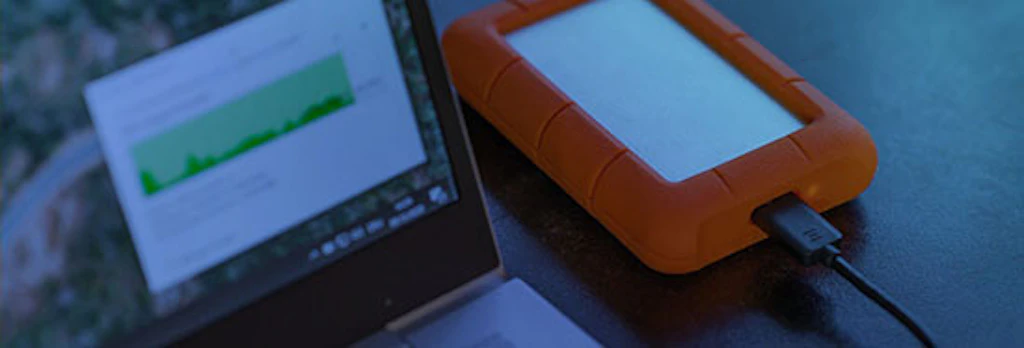
Most of us store important data, such as photos, appointments and contacts, on our smartphones, tablets or computers. But what happens if you lose your smartphone, your computer is hacked or your tablet develops a technical defect? You would try to remember when you last carried out a backup and what data might now be lost. The true value of backing up your data – or the consequences of not doing so – often only becomes apparent when such an incident occurs. Many users only back up their data occasionally or do not do so consistently enough. You should therefore consider what data you need to back up and how often. Make regular backups and automate this process as much as possible. You should also consider where and how you will store the data.
Further information
- Windows 11
"File History" is a backup feature that comes installed by default.. Instructions from Microsoft - Apple
To create backups on your Mac, use the “‘Time Machine’” feature built into macOS. Instructions from Apple - Android
To back up data on an Android device, you can use Google One. - Samsung devices
To back up data on a Samsung device, use Samsung Cloud, which is built into Samsung devices.
Backups: Ihre Rettungsleine - Cybersicherheit ist S-U-P-E-R.ch (German, French and Italian)