
Week 43: Scammers once again hijack WhatsApp accounts with fake requests to vote
The NCSC is currently seeing another significant increase in reports of stolen or compromised WhatsApp accounts. In October alone, the NCSC has received more than 50 reports of this type of scam, many involving successful attacks. The scammers use a clever trick: they pose as someone the victim knows and ask them to vote in a competition. If you click on the link to the fake website and enter a code or scan a QR code, you risk losing access to your WhatsApp account or giving the scammers access to it from another device without realising it.

The attack always begins with a message from someone in your contacts whose account has already been compromised. The scammers appeal to people's willingness to help, with messages such as: "Hi, could you please vote for my friend's daughter? It would really help her out. Her name is Sophie. It only takes a minute, but hurry, voting closes soon!" This type of attack isn't new. The NCSC already reported on it in the spring. However, the recent increase in cases suggests that the scam is becoming more widespread and appears to be working.
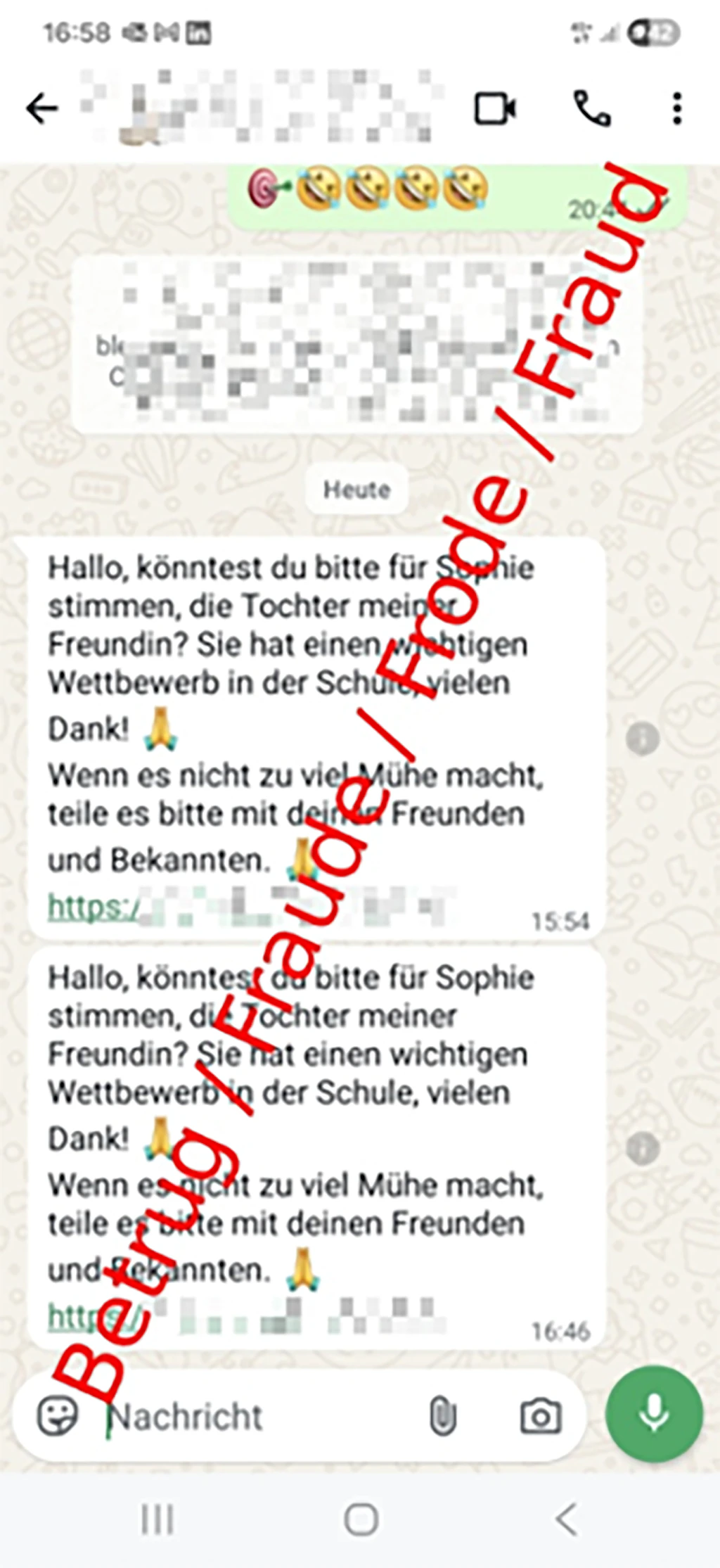
The message comes from an account belonging to someone you know, and the pressure to act quickly makes it tempting to click the link. To get around security filters, the scammers constantly change the domain names they use for these links.
The trap: A code sent by text message or a QR code
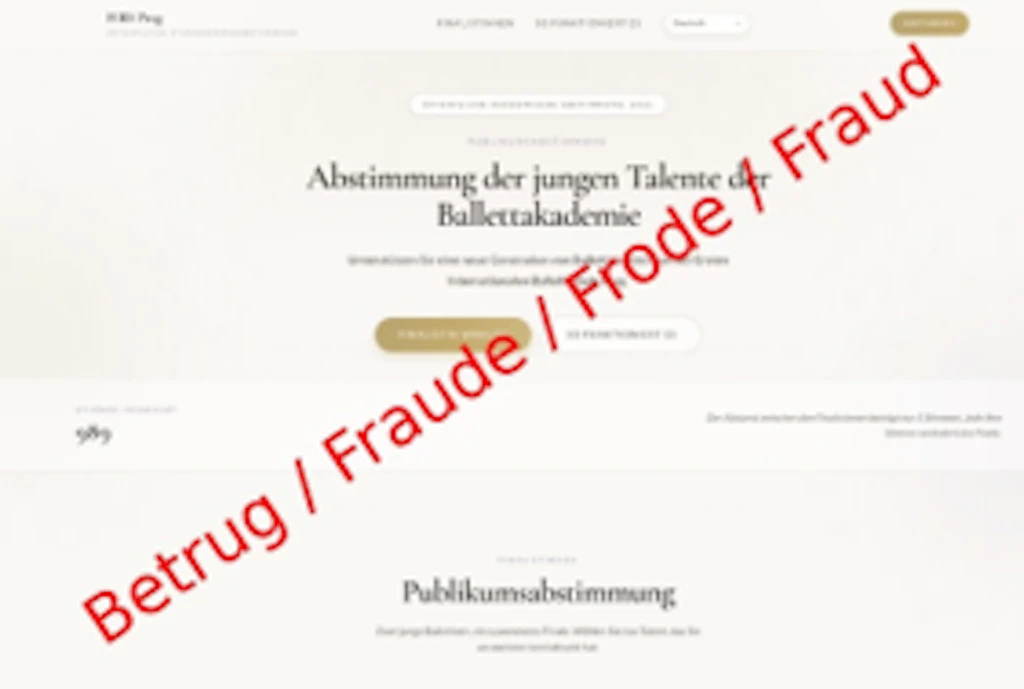
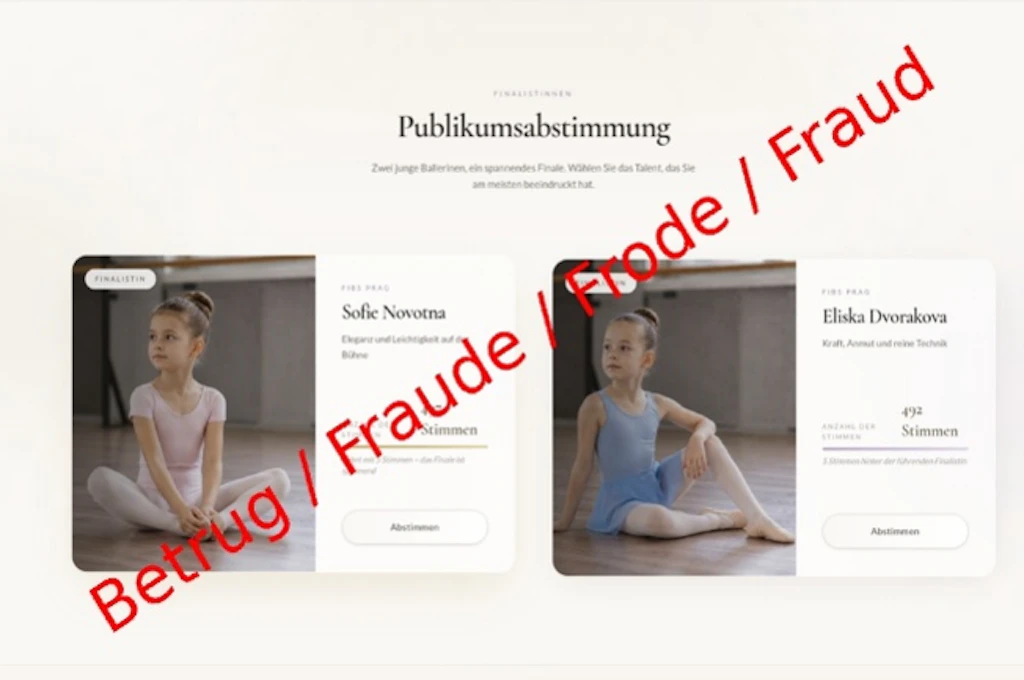
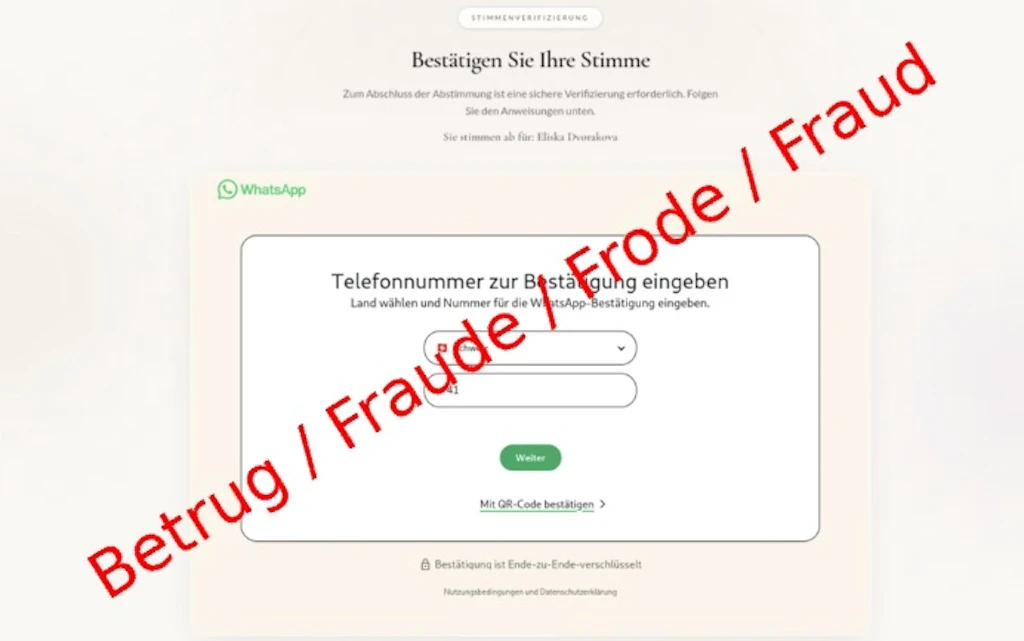
The link takes you to a convincing fake website for a school or dance competition. To vote, you're asked to do one of two things:
- Enter a code sent by text message
The website asks you to enter your phone number, followed by a code sent to you by text message. This is actually WhatsApp's official six-digit registration code. By entering it on the fake website, you allow the scammers to activate your WhatsApp account on their own device. - Scan a QR code
Alternatively, the website displays a QR code and asks you to scan it using WhatsApp's "Linked devices" feature. The scammers exploit this legitimate feature, which is also used for WhatsApp Web. Scanning the code links your account to a device controlled by the scammers without your knowledge. This is particularly dangerous because you may not even realise that someone else has access to your account.
The consequences: A chain reaction and access to your data
If the scam succeeds, the scammers can either take control of your WhatsApp account or gain access to it through a linked device. They may then be able to access your chats, groups, shared photos and sensitive information. They also send the same fake voting request to your contacts, allowing the scam to spread rapidly.
Recommendations
- Be wary of requests to vote in competitions sent through messaging apps, even if they come from someone you know. If you're unsure, contact the sender another way. You can also let them know that someone may be sending these messages from their account without their knowledge.
- Never share your six-digit WhatsApp verification code with anyone or enter it on a website.
- Only use WhatsApp's "Linked devices" feature to set up WhatsApp Web on devices you own and trust, such as your laptop. Never scan QR codes from unfamiliar websites.
- Protect your account by setting up a PIN. Go to Settings > Account > Two-step verification in WhatsApp. This simple step makes it much harder for scammers to take over your account.
What to do if your account has been hijacked
- Let your contacts know straight away through another channel that your account has been hacked. Warn them not to click on links in messages that appear to come from you.
- If you scanned a QR code
Log out of unfamiliar devices: If you can still access WhatsApp, go straight to Settings > Linked devices. Tap any devices you don't recognise and select ‘Log out’. - If you entered a code sent by text message
Recover your account: If you've been logged out of WhatsApp, register your phone number again on your smartphone. You'll receive a new six-digit code by text message. Entering this code will automatically log the scammers out. Note: If the scammers have already set up their own PIN for two-step verification, you'll have to wait seven days before you can log back in without it. However, the scammers will be logged out of your account during this time.